Wired or Wireless Security Cameras for a Perth Home
8 min readHome CCTV Perth
The short answer
Wireless cameras are quick to install and rely on your wifi reaching them, which is exactly what double brick walls and a tiled roof make difficult on a typical Perth house. Wired cameras run a single cable that carries both the picture and the power, so they do not drop out, they record continuously and the footage stays on a drive at your place. Wireless still has a place for indoor spots and outbuildings where cable is impractical, and plenty of homes end up with a mix of both.
Summarise with AI
Key Highlights
- Most wireless cameras still need power, so wireless usually means wifi rather than no cables at all
- Double brick, a tiled roof and thirty metres of back yard all weaken a wifi signal
- A wired camera runs on one cable carrying video and power together
- Wifi dropouts are not recorded, so you cannot tell from the footage that they happened
- Battery cameras are offline while they charge, and the furthest one is the easiest to forget
- A mixed system is common: wired outside where it matters, wireless indoors or in the shed
What Wireless Actually Means
Wireless is an imprecise word on a camera box. It almost always describes how the picture travels, not whether there is a cable involved.
Most wireless cameras still need power from somewhere. That is either a plug pack running to a power point, or a rechargeable battery that has to come off the wall every so often.
- Wifi camera with a plug pack: no video cable, but a power lead has to reach it, which is awkward up under an eave
- Battery camera: genuinely no cables, and it goes offline while it charges
- Solar assisted battery camera: a panel keeps the battery topped up, and a shaded south facing wall in winter does not
- Wired camera: one data cable carrying both video and power, run through the roof space to a recorder inside
The trade name for that last one is Power over Ethernet. In plain terms it means no power point in your eaves and no plug pack hanging from a gutter bracket.
Why Perth Homes Are Hard on Wifi
Perth builds double brick, and double brick is unkind to a wifi signal. Two skins of brick with a cavity between them absorb a lot of it, and there are usually several of those walls between the modem and the camera.
The roof adds to it. Tiles and sarking sit between a modem inside and a camera under the eave, and a Colorbond roof is a sheet of steel doing the same job.
Then there is distance. On a decent Perth block the camera watching the back shed can be thirty or forty metres from a modem sitting in the study at the front of the house.
The dropout you cannot see
A wifi camera that loses signal simply stops recording, and nothing in the footage tells you there is a gap. You find out when you go looking for something and the timeline jumps. A wired camera cannot drop out that way, because there is no signal to lose.
Signal that looks fine on a phone standing at the back door is not the same as signal reaching a camera bolted under an eave with brick in between. That is why a wifi camera can show four bars in the app and still miss things.
Wired and Wireless Side by Side
Both have their place, and the honest comparison is not one sided. Here is how they line up on the things that matter at a house.
| Comparison | Wired cameras | Wireless cameras |
|---|---|---|
| Reliability | Very high, nothing to lose signal | Depends entirely on how well your wifi reaches the camera |
| Recording style | Usually continuous, so the lead up to an event is there | Usually triggered by motion, so the first moment is often missed |
| Where footage lives | On a hard drive at your house | Often in the manufacturer's cloud, sometimes on a card in the camera |
| Ongoing costs | None beyond power and eventually a new hard drive | Often a subscription to keep more than a short history |
| Maintenance | Clean the housings, replace the drive when it wears out | Charging batteries, replacing them as they age, and clearing dropouts |
| Install effort | Higher, because cable has to be run through the roof space | Low, which is the whole appeal |
| Adding one later | Means a cable run and a spare recorder channel | Straightforward if the wifi reaches |
Scroll the table sideways to see every column.
Read that table for your own house rather than in general. A small single storey place with the modem in the middle is a very different wifi environment to a long double brick home with the router at one end.
Where Wireless Genuinely Suits
There are spots where running cable is either impossible or out of proportion to the job, and wireless is the sensible answer in those spots.
- Indoor cameras in a hallway or a garage, close to the modem and easy to power
- A shed or studio at the back of the block with its own power and no practical cable path from the house
- A rental where you are not permitted to drill into the structure
- A temporary position while a renovation is underway and the permanent run cannot go in yet
- A spot on a flat roofed extension with no crawl space above it
- A second camera on a spot you are still not sure about, before committing to a hole in the eave
If you go wireless in those places, the things worth doing are simple. Get the camera as close to strong signal as you can, mount it somewhere reachable for charging, and check the recording holds over a few days rather than assuming it does.
What Wired Asks of You
Wired is not free of downsides and it is fairer to say so. The cost of a wired system sits mostly in labour, not hardware.
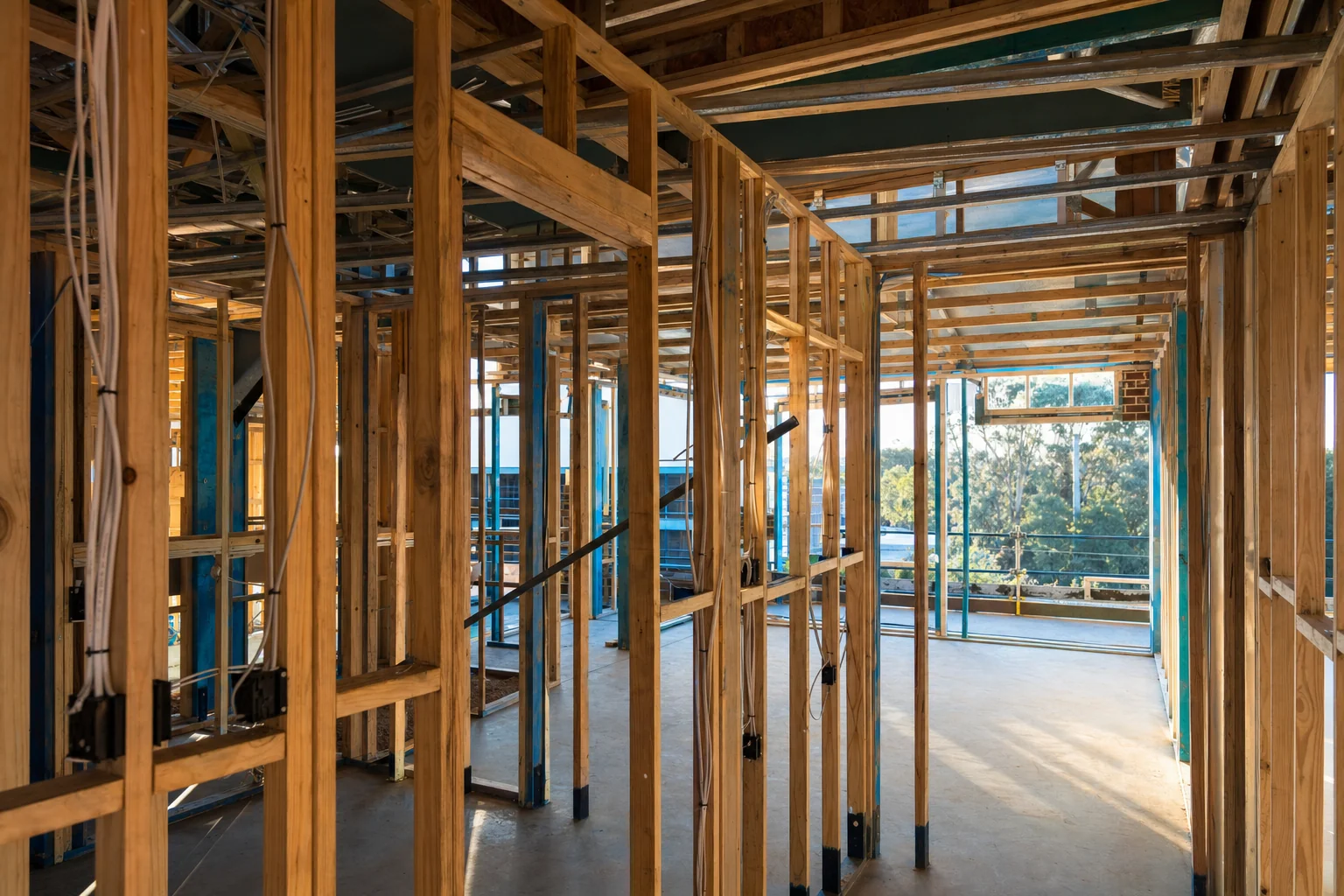
- Somebody has to get into your roof space and pull a cable to every camera position, which is the bulk of the work
- A roof space in a Perth summer is punishing, so cable pulling happens early in the day rather than mid afternoon
- Camera positions are limited to where a cable can physically reach, which sometimes moves a camera a metre from where you first pictured it
- The recorder needs a permanent home with power, a run to your modem and air around it
- Adding a camera later is a return visit and a cable run, not a five minute job
- Flat roofs, skillion roofs and pre 1980s eave sheeting all complicate the run
What you get for that is a system that keeps recording whether or not the wifi is behaving, with footage stored at your place and no subscription attached to keeping it.
Mixing Both in One House
A lot of Perth homes end up with both, and there is nothing wrong with that. The rule of thumb is wired where the footage matters most and wireless where cable is genuinely impractical.
Wire the positions that identify people
Front door, driveway, side gate. These are the views you will go looking for, so they should be the ones that never drop out.
Wire anything outside if the cable can reach
Outdoor cameras face weather, distance and the worst of the wifi problem, so they benefit most from a cable.
Use wireless for the awkward extras
The back shed, a studio, an indoor camera in the hallway. Places where a dropout is an inconvenience rather than a gap in the record.
Keep the wireless cameras near signal
One brick wall between the camera and the access point is manageable. Three walls and a roof usually is not.
Accept two apps if you have to
Wireless cameras from a different brand often will not record into your recorder, so they live in their own app. Worth knowing before you buy rather than after.
Test the mixed setup over a week
Check the wireless cameras have a complete record over several days, not just that they were online when they were installed.
Which One Suits Your Home
The decision comes down to your house rather than the technology. Three things settle it most of the time.
- How far your cameras are from the modem, and how many brick walls are in between
- Whether there is a roof space a person can move through above where the cameras go
- How much you mind a gap in the footage on the day you need it
For an established double brick Perth home with a normal tiled roof, wired outside and wireless for the odd indoor spot is the setup that gives the least trouble. For a flat roofed extension or a shed at the back fence, wireless may be the only realistic option.
If you are not sure which way your place falls, we will inspect it and tell you plainly. The quote is free and it comes in writing before anything is drilled.
Free written quote
Want the Property Assessed
We walk the property with you, work out the positions, and put the number in writing before anything is touched.
Questions People Ask
Are wireless security cameras any good?
They are good at what they are designed for, which is quick installation where cable is impractical. Where they struggle is distance and brick. On a typical double brick Perth home the camera at the back of the block is a long way from the modem with several walls in between, and a weak signal means dropouts that are never recorded. Indoors or close to the modem they work well.
Do wireless cameras still need cables?
Usually yes, for power. Wireless normally describes how the video gets back to the app, not whether the camera has any cable at all. A wifi camera generally needs a plug pack running to a power point, which is awkward under an eave. Battery cameras avoid that and have to come off the wall to charge instead.
Is a wired system worth the extra work?
For outdoor cameras at a house, usually yes. A cable carries both the video and the power, so there is no signal to lose and nothing to recharge, and most wired systems record continuously rather than waking on motion. The footage lives on a drive at your place, so there is no subscription attached to keeping your own history.
Can I have wired and wireless cameras together?
Yes, and plenty of Perth homes do. Wired handles the outdoor positions that matter most, and wireless covers the shed, a studio or an indoor spot where cable is not practical. The one thing to check is whether the wireless cameras will record into your recorder or whether they will live in a separate app, since that varies by brand.