Remote Viewing Setup Perth
Residential CCTV and security camera installation
Your cameras on your phone, with alerts that are worth reading and footage you can find quickly.
Free written quote
Get a Quote for Remote Viewing Setup
Tell us what cameras you have and what is not working. No view when you are away, alerts firing all day, and footage you cannot find are the usual three.
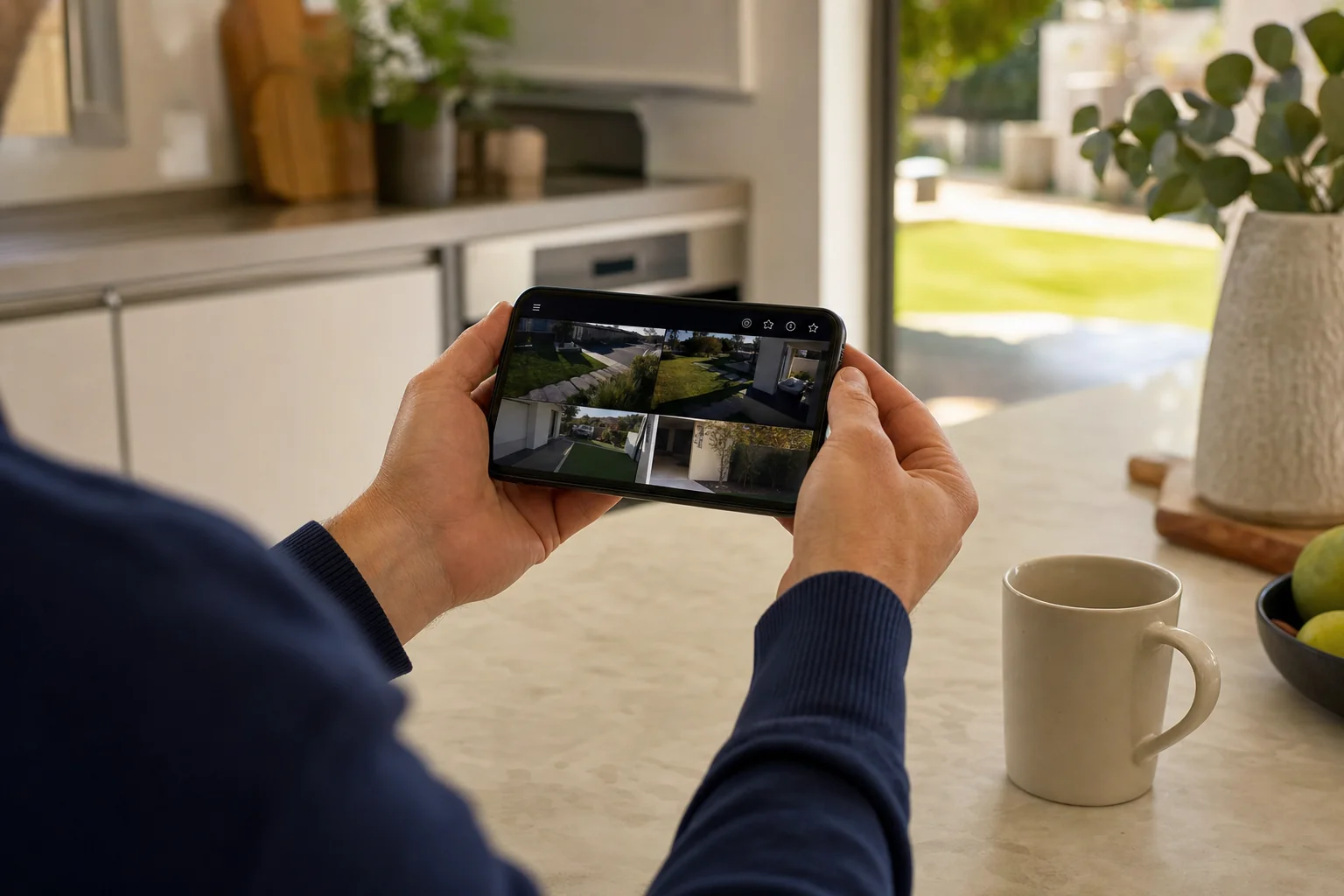
We set the app up on your phone and have you pull an old clip yourself before we leave.
- Free written quote before any work starts
- All of Perth covered
- Cabling hidden through the roof space
- We show you how to use it before we leave
Remote Viewing Setup in Perth
Cameras are only half the job. If you cannot find last Tuesday afternoon on your phone and save a clip, the system is not finished.
This is the part most people are left to work out alone, usually with a password on a card and no explanation.
- We set it up on your phone
- We set it up on the other phones in the house
- We do not leave until you have found old footage yourself
Scoping
What Getting You Connected Looks Like
This scales by how many people need it, and how many places.
One phone
Just you
- App installed and signed in on your handset
- Alerts tuned so the ones you get mean something
- Playback shown to you before we leave
The whole household
Several logins
- Everyone on their own login rather than a shared one
- Access set so only you can change the settings
- Same view on phones, tablets and the computer
More than one property
Home and a rental or a shop
- Both sites sitting in the one app
- Named so you know which is which at a glance
- Alerts kept separate per site
What it takes depends on the recorder you have and the internet at the property. We check both first.
- Best for
- New systems, and any system you cannot see on your phone
- Devices
- Phones and tablets for everyone in the household
- Alerts
- Tuned so you read them instead of ignoring them
- Any brand
- Including systems we did not install
Worth a look
Signs Your Remote Viewing Needs Sorting
A system you cannot reach is a system you are not using.
Alerts fire all night at cars going past on the street.
You can see it on the home wifi but not once you leave.
Everyone in the house shares the one login.
The app wants a password nobody ever wrote down.
Footage only comes off the box on a USB stick.
You changed internet providers and it stopped working.
What you get
How We Do Remote Viewing Setup
Set Up on Your Own Phone
The app goes on your handset, gets tested, and you use it in front of us before we go.
Alerts Tuned, Not Left on Default
Detection trimmed, person and vehicle detection on, schedules set, so a moth on the driveway stops waking you.
You Practise Finding Old Footage
We do not leave until you have pulled up a previous day yourself and saved a clip from it.
Everyone in the House Included
Every phone that wants access gets it, so nothing stops working the moment one person leaves town.
The Clock Gets Checked
Perth time and the correct date, so the timestamp on a clip means something when it matters.
Works on Systems We Did Not Install
If somebody else fitted your cameras and never set up the app, we can do just that part.
Placement
Why Your Alerts Are Full of the Street
The camera sees everything in the frame. What it bothers telling you about is a choice, and it is the part most systems are left on default.
Alerts you have taught yourself to ignore are worse than no alerts at all. This is worth setting up properly once.
- 1
The part you care about
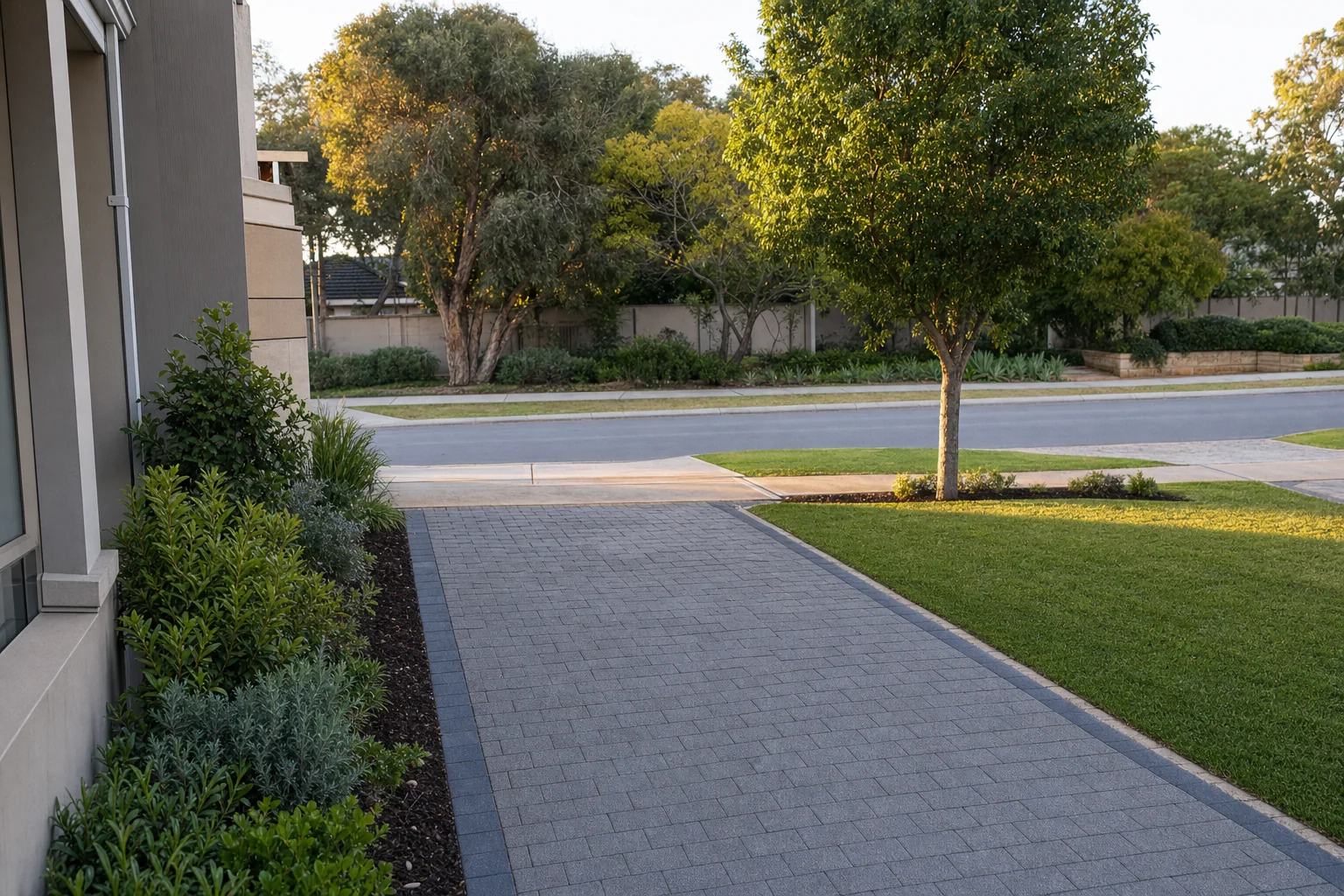
Your driveway and the walk up to the house. This is the only part that has any business waking your phone at two in the morning.
- 2
The footpath
Left inside the detection area it will send you every dog walker on the street. This is the single biggest reason people switch alerts off.
- 3
Anything that moves in wind
A tree or a tall shrub inside the zone will trigger all night in a sea breeze. The zone gets drawn around it rather than through it.
The connection
What Has to Be Talking for the App to Work
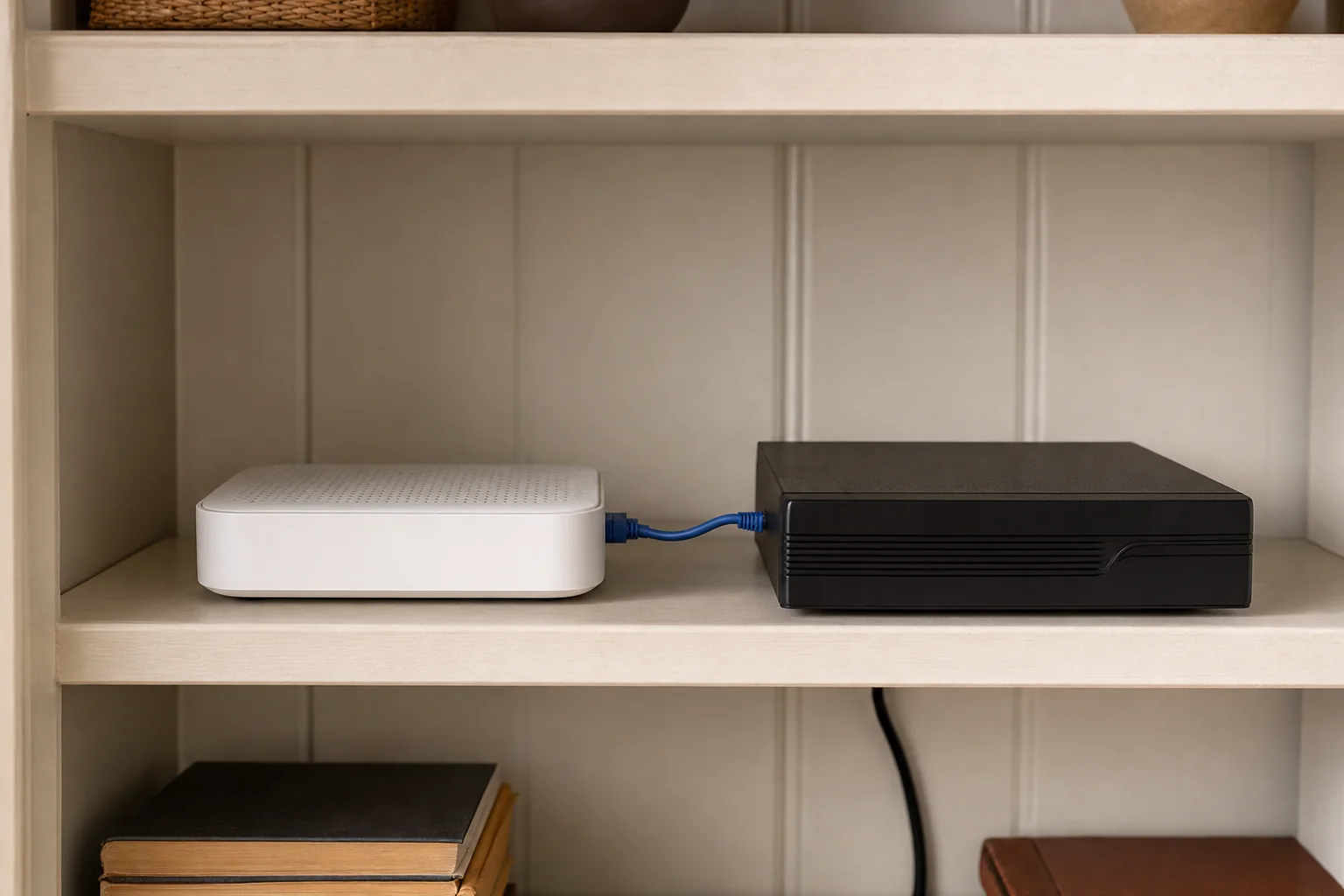
Remote viewing is not magic and it is not the cloud. It is a short chain, and when the app stops working one link in it has changed.
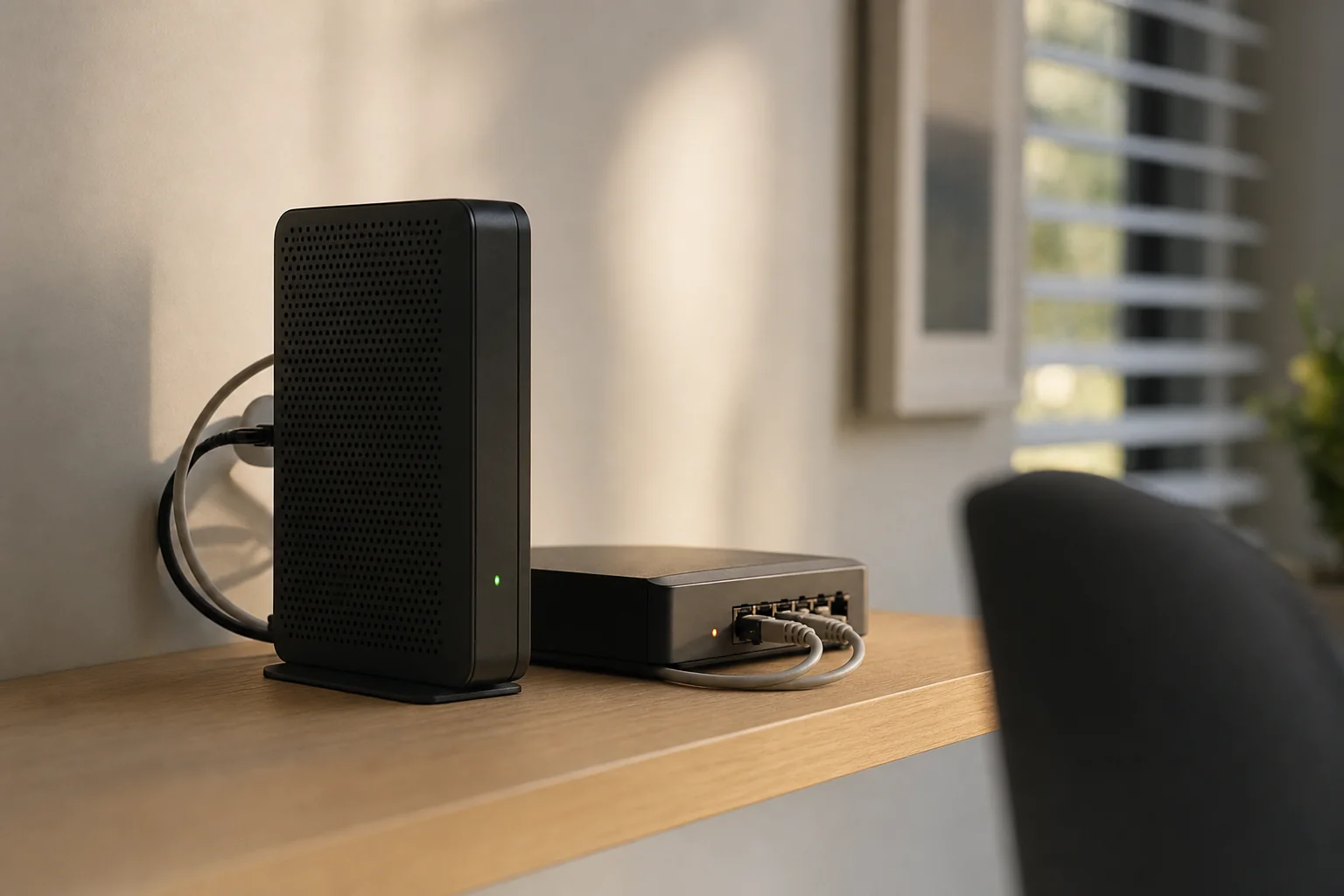
- The recorder holds the footage
- It is the thing your phone actually connects to. The cameras themselves store nothing and are not sitting on the internet.
- The modem is the way in
- Change the modem and the path changes with it. This is why the app so often stops in the same week the internet got upgraded.
- One lead does the work
- It is a network cable, not power. Unplugged during a tidy up is the most common reason remote viewing quietly stops working.
Common Questions About Remote Viewing Setup
Can I watch my cameras from overseas?
Yes. The app connects to the recorder at your house through the internet, so the distance makes no difference. Holidays interstate or overseas work the same as being down the road, as long as you have data or wifi where you are.
The only thing that changes is the time difference, so an alert at three in the morning at home might arrive in the middle of your afternoon.
Does watching the cameras use a lot of my home internet?
Watching uses your upload speed, since the video is going out of your house to your phone. Live viewing several cameras at once uses a lower quality stream to keep it smooth, and playing back a recording uses more.
Day to day recording does not touch your internet at all, because it is written to the hard drive at your house.
How many phones can have the cameras on them?
Enough for a household, and usually a good deal more than that. The practical limit is how many people you want watching at the same moment, since each live viewer uses some of your upload speed.
We set up everyone who is there on the day and leave you with what you need to add another phone yourself later.
My cameras work but I have never been able to see them on my phone. Can you fix that?
Yes, and it is a common call. It does not matter who installed the system.
We connect the recorder to your network properly, get the app onto your phone, tune the alerts and show you how to use playback. There is no need to change any of the cameras to do it.
Why do I get alerts about the street and not my driveway?
Because the detection area was never trimmed. Straight out of the box a camera reacts to movement anywhere in its view, including the road and the footpath.
Masking out everything past your boundary, and switching to detection that only reacts to people and vehicles, cuts the noise right down and leaves the alerts you wanted.
How do I give footage to someone else?
For a short clip, find it in playback, save it to your phone and send it like any other video.
For anything long, exporting straight from the recorder onto a USB stick is better, since it keeps the original quality and does not have to squeeze through your upload speed. We show you both methods on the day.
I have replaced my phone. How do I get the cameras back on it?
Install the same app and sign in with the details left with you, and the cameras come straight back. Nothing needs changing at the recorder and nobody needs to come out.
If the old handset has been sold or lost, change the password at the same time so the app sitting on it stops working. We show you where those details live before we leave, so a new phone is a small job rather than a phone call.
Do I have to pay a subscription to see my cameras on my phone?
With a recorder based system, no. The footage sits on the hard drive at your house and the app connects to that directly, so there is nothing ongoing attached to looking at it.
Some cloud cameras work the other way around and keep your history on a paid plan, which is much better to know before you buy than after. If you already have cameras like that, we will go through what you would gain and what you would give up by moving to a recorder.
Other Things We Do
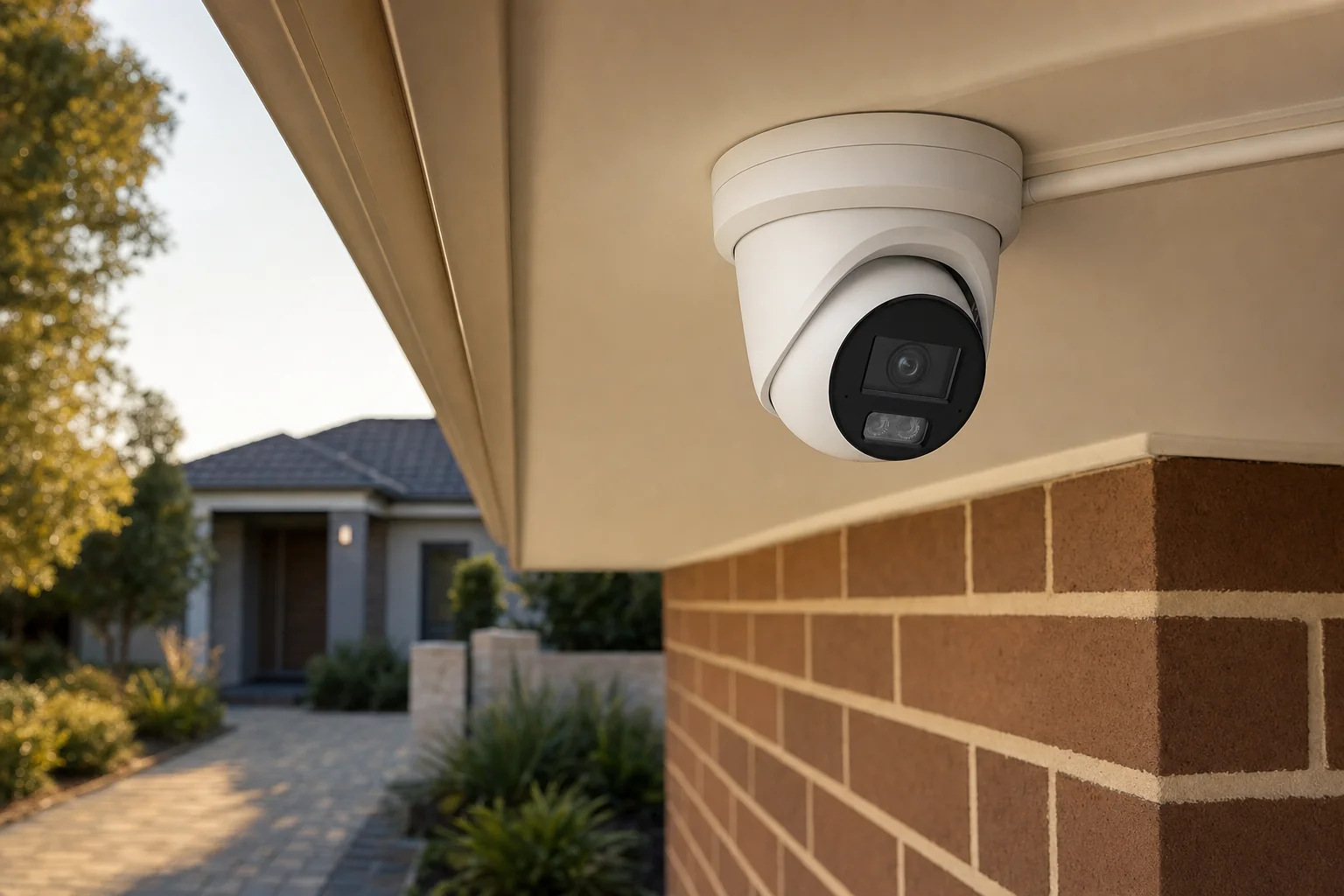 CCTV InstallationA full set of cameras and a recorder fitted to your house, with the cabling hidden in the roof space.
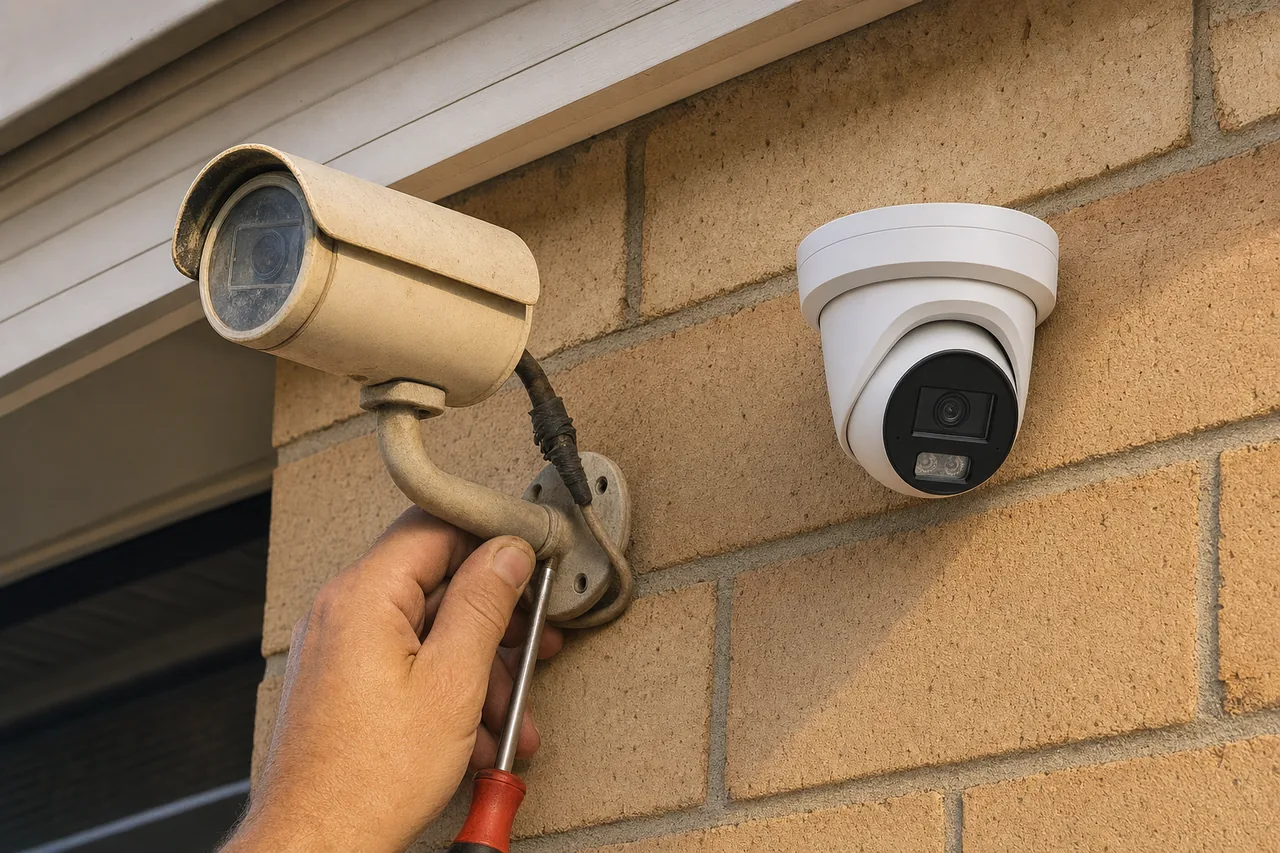 Security Camera Upgrades and ReplacementsReplace tired cameras or a dead recorder, keeping whatever part of the old system is still worth using.
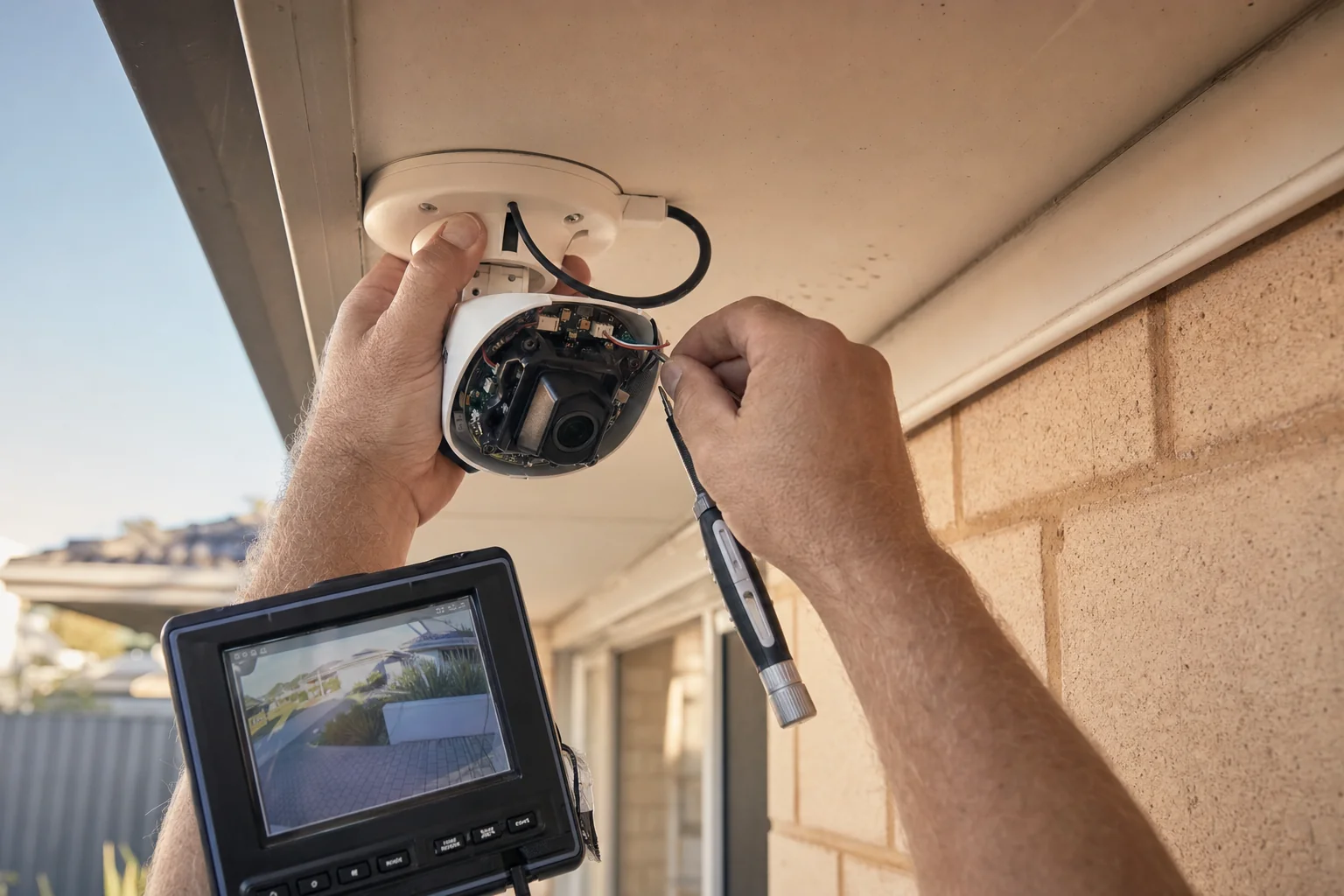 CCTV Repairs and Fault FindingCameras dropping out, a recorder that has stopped recording, or an app that no longer connects, traced and fixed.