
CCTV Repairs Perth
Residential CCTV and security camera installation
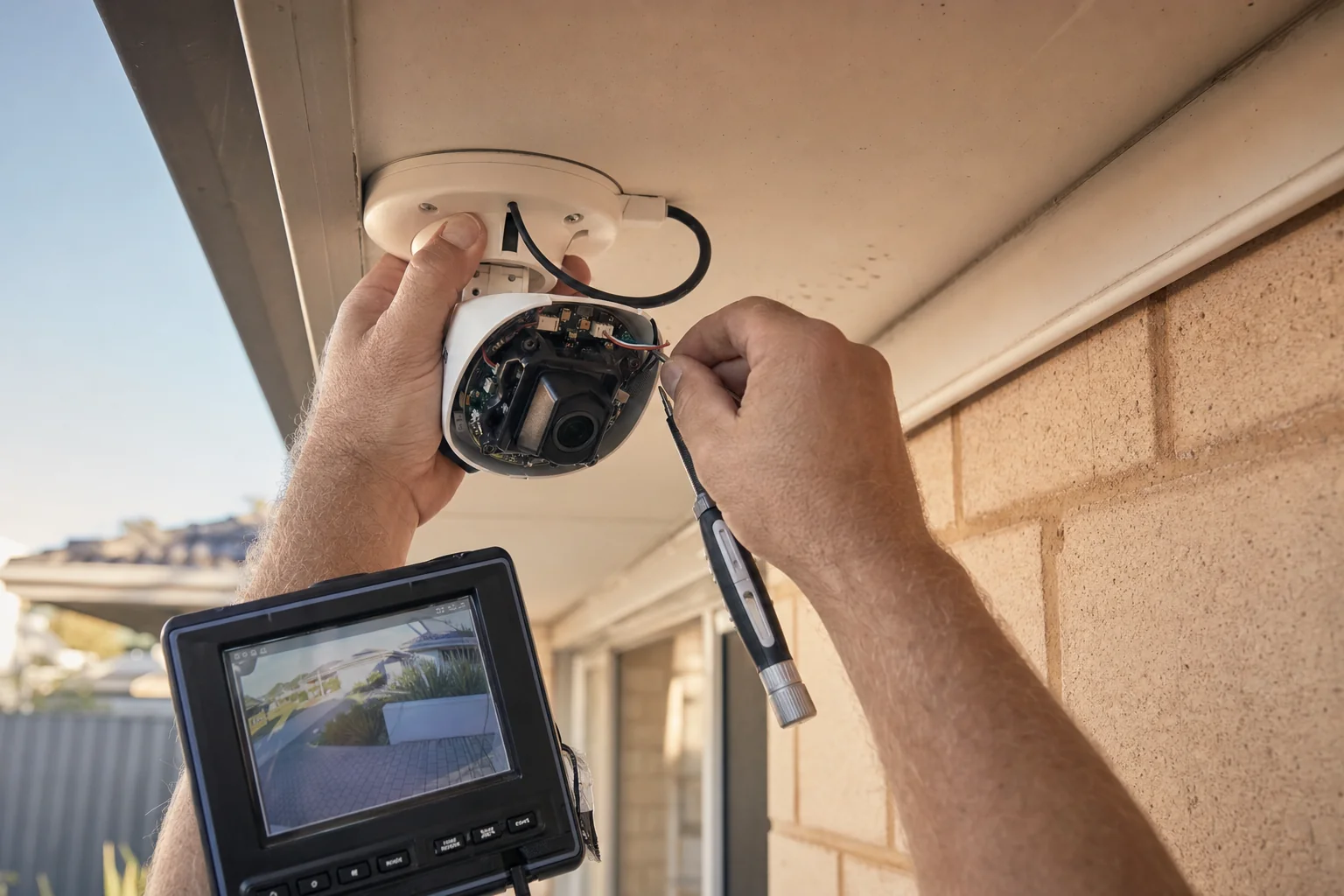
Cameras dropping out, a recorder that has stopped recording, or an app that no longer connects, traced and fixed.
Free written quote
Get a Quote for a CCTV Repair
Tell us what the system is actually doing. A camera dropping out, a recorder that has stopped recording and an app that will not connect are three different faults.
We find the fault on site before quoting the fix, so you are not paying for parts that were never the problem.
- Free written quote before any work starts
- All of Perth covered
- Cabling hidden through the roof space
- We show you how to use it before we leave
Repairs and Faults in Perth
A system that half works is worse than none. You think you are covered, right up until you go looking for the footage.
- The camera itself
- The cable in the roof
- The recorder
- The network between it and your modem
- The power feeding the lot
Which one it is takes testing, not guessing. If the fix is a five minute setting change, you get told that.
Scoping
What a Repair Visit Covers
Repairs scale by the fault, not by the size of the house.
One camera out
Single fault
- Camera, cable and port all tested rather than guessed
- Replaced only where the test says to
- Aim and focus reset before we leave
Nothing recording
Recorder or drive
- Drive health and power supply checked first
- Recording schedule and overwrite settings read back to you
- Footage pulled off before anything is replaced
It works, the app does not
Network side
- Router, ports and account all checked
- Remote access rebuilt properly, not bridged around
- Every phone in the house set up again
We find the fault before we quote the fix. If it turns out to be a setting, we will tell you that.
- Best for
- A system that has stopped behaving properly
- First step
- Fault finding at the recorder, then the cable, then the camera
- Any brand
- Including systems we did not install
- Quote
- Free and in writing once the fault is identified
Worth a look
Signs of a Fault Worth Calling About
If any of these sound like your system, it is worth a look.
A camera has gone black and stayed that way.
Footage is there some days and missing on others.
The recorder beeps or clicks and nobody knows why.
The picture drops out whenever it rains.
The password is long gone and you cannot get into it.
It worked until the internet was changed over.
What you get
How We Do Repairs and Faults
Diagnosis Before Parts
The fault is found and explained before anything is replaced, so you are not buying a camera that worked.
Any Brand, Any Installer
It makes no difference who fitted it or what badge is on the box, hardware store kits included.
We Test Rather Than Guess
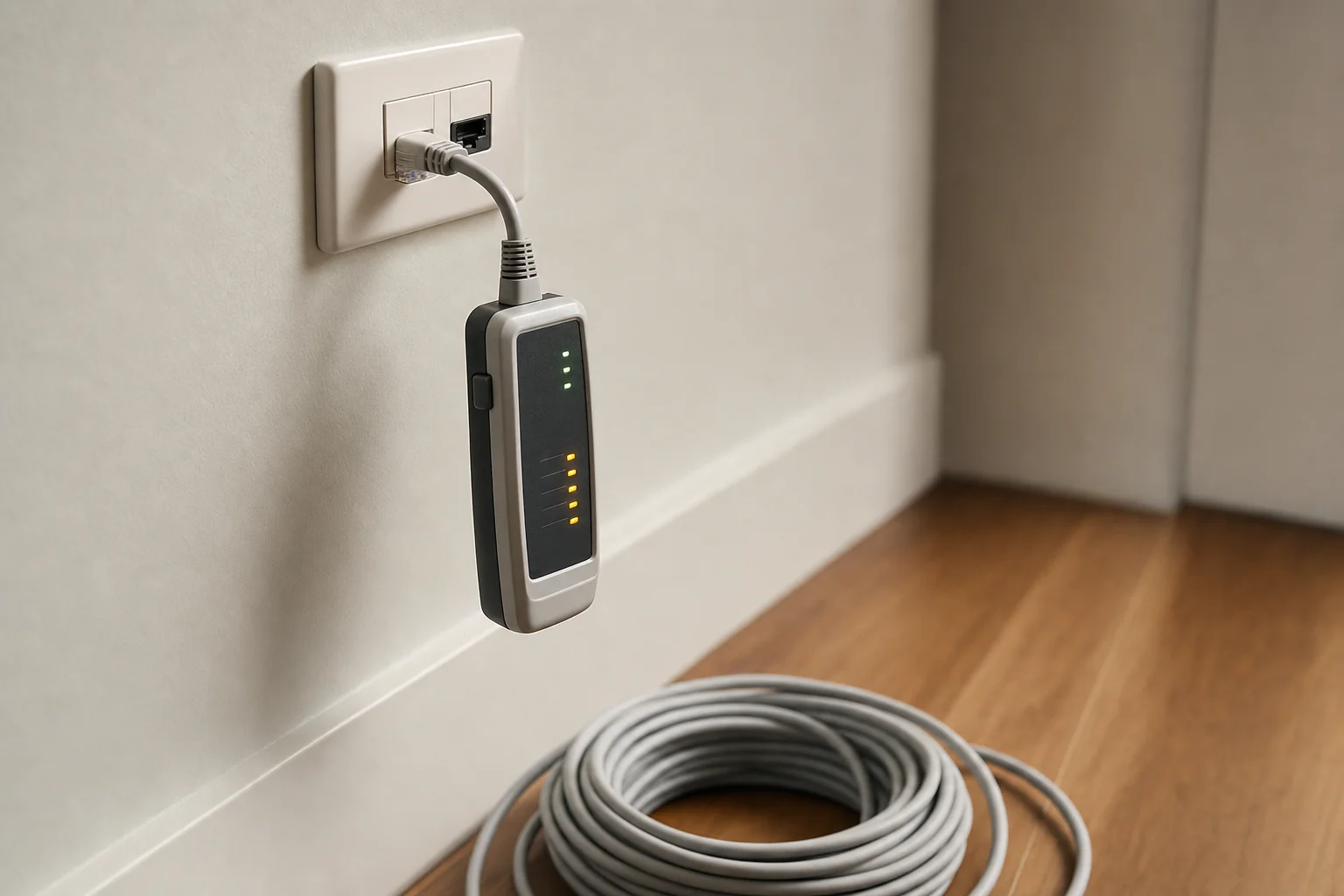
A camera moved to another port and tested on a short lead separates a dead camera from a dead cable.
Coastal Corrosion Taken Seriously
Salt air attacks seals and connections, so near the coast the connection gets remade properly rather than cleaned up.
Network Faults Included
An app that stopped connecting after a modem swap is a network job, and it is fixed the same visit.
Told When a Repair Is Not Worth It
If the gear is too old to be worth fixing, you get told why instead of charged for it.
Placement
Where These Systems Actually Fail
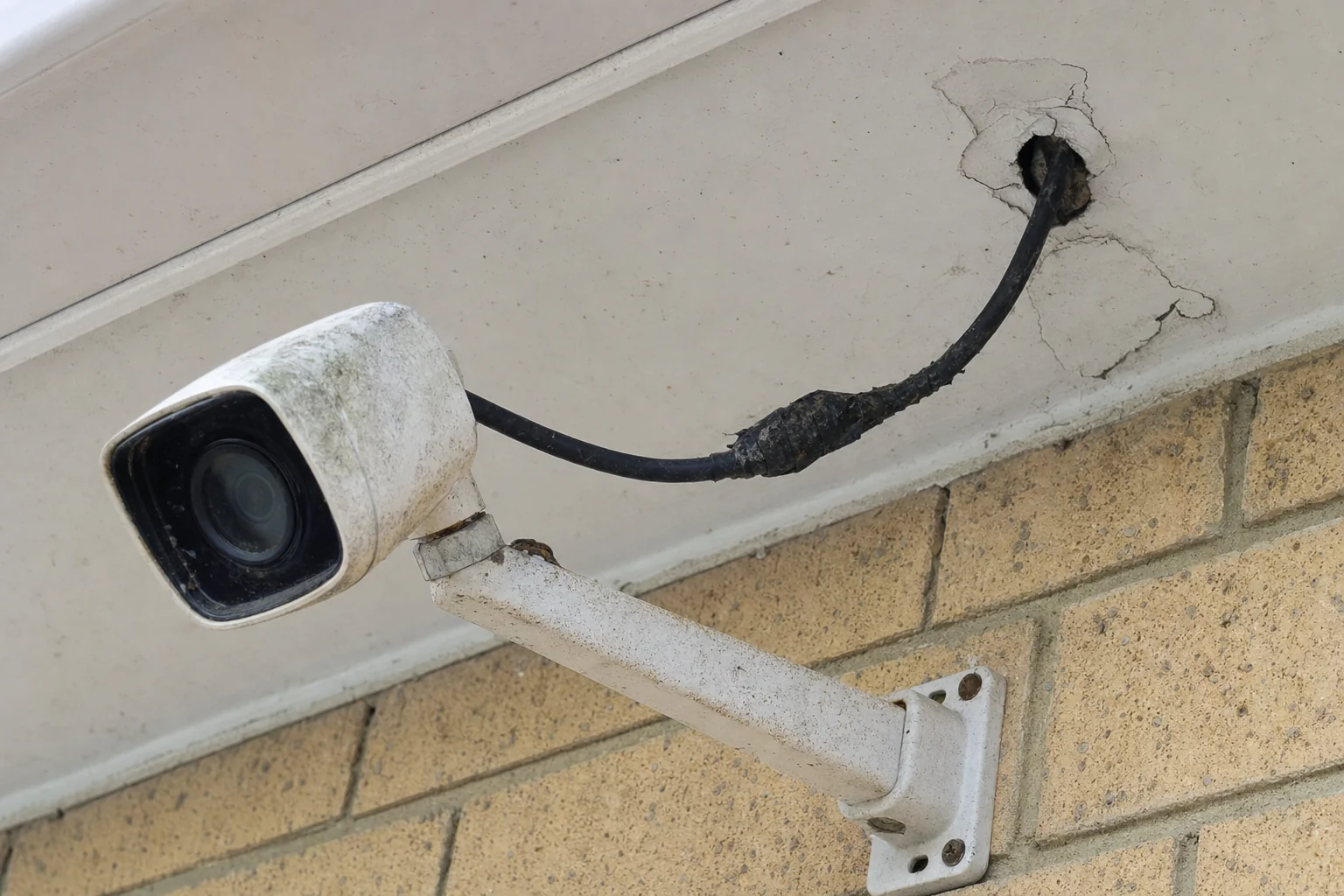
Nearly every dead camera we get called out to has failed at one of three points, and only one of the three is the camera.
A camera that goes black overnight is usually a connection rather than a camera. Worth having someone look before you buy a replacement.
- 1
The camera itself
Least likely of the three. Cameras tend to fail slowly, going soft or hazy over a year, rather than dropping out overnight.
- 2
The join in the cable
A join outdoors is a join that will corrode. Tape is not a seal, and this is where most sudden black screens start.
- 3
The entry point
Sealant cracks, water runs down the cable and into the roof space. It kills the connection up here before anything shows at the camera.
The callout
How the Fault Actually Gets Found
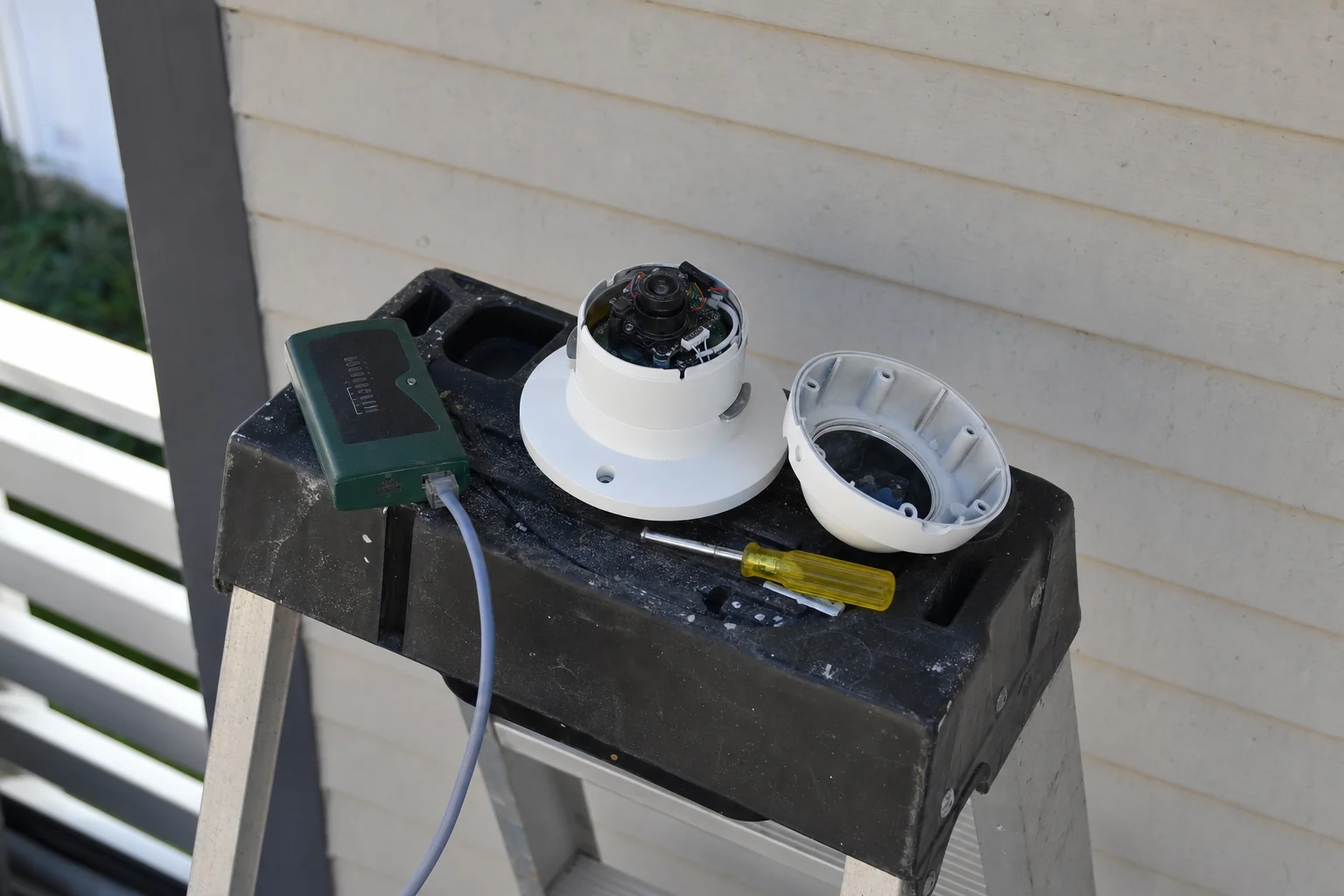
Guessing is the expensive way to do this. The point of the visit is to test, not to start swapping parts and hoping.
- The cable gets tested first
- A tester on both ends tells you in a minute what an afternoon of swapping cameras will not.
- The camera comes apart before it is condemned
- Water in the housing, a plug that has worked loose, or a spider across the lens all look exactly like a dead camera from the ground.
- The recorder is checked last
- It is the least likely thing to have failed and by far the most likely thing to get blamed.
Common Questions About Repairs and Faults
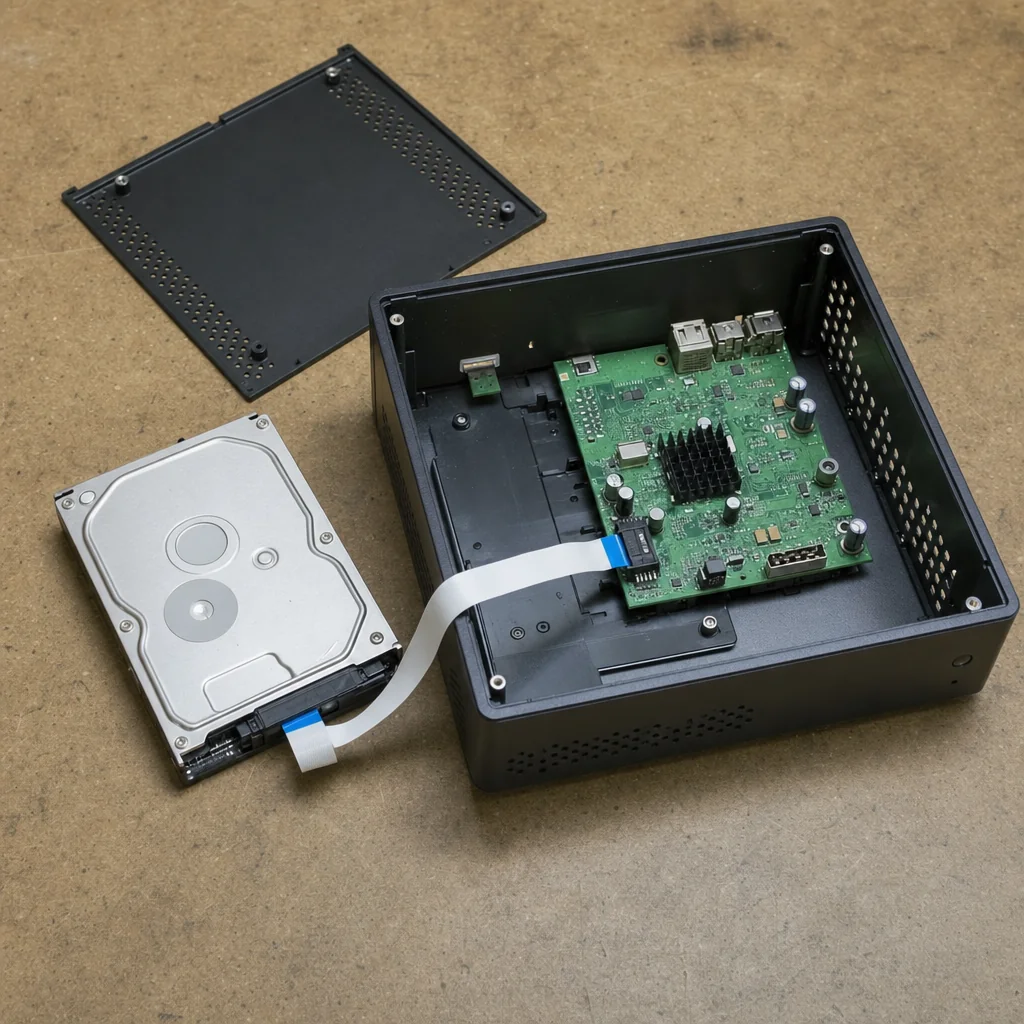
One camera has gone black. Is the camera dead?
Not necessarily, and it is worth testing before buying anything. The three usual suspects are the camera, the cable and the recorder port.
Moving that camera to a different port on the recorder, then testing it on a short lead, separates them in a couple of minutes. Quite often the camera is perfectly fine and the cable has been damaged in the roof.
My night vision has gone white and useless. Can that be fixed?
Usually yes, and it often needs no parts at all. Infrared light bouncing back off a nearby wall, gutter, downpipe or roller door floods the lens and washes the picture out.
Re-aiming the camera slightly, moving it away from the reflective surface or turning the infrared down normally fixes it. If the infrared lights themselves have failed, the camera needs replacing.
The app stopped working but the cameras still record. Why?
That is nearly always the network, not the cameras. When your internet provider swaps your modem, the recorder loses the connection it had and the app can no longer find it.
The recorder keeps writing to its hard drive the whole time, so no footage is lost. Reconnecting the recorder to the new modem and re-pairing the app brings the remote view back.
Can you repair a system that another company installed?
Yes, including kits bought from a hardware store. The brand and the original installer make no difference.
The only time we will stop and tell you is when parts for that model are no longer available, in which case repairing it is not realistic and you should hear that before spending money.
Why do I get motion alerts all night when nothing is there?
Spiders and insects are the usual culprits. Infrared light attracts bugs, bugs attract spiders, and a web strung across the lens sets off motion every time it moves.
Rain, moths and plants swaying in the breeze do the same. Cleaning the housing, trimming the detection area and switching to smarter detection that only triggers on people or vehicles clears most of it up.
How long does footage last before it is written over?
That depends on the size of the drive, the number of cameras and the resolution they record at. Recorders are designed to fill the drive and then loop over the oldest footage, so you keep a rolling window.
If your window has quietly shrunk to a day or two, that usually points at a drive that is failing or settings that were never configured properly.
My recorder is beeping or clicking. What does that mean?
A repeating beep is usually the recorder telling you it cannot find its hard drive, or that the drive is throwing errors at it. A clicking or grinding coming from inside the box is the drive itself, and that is a drive on the way out.
Neither is worth ignoring, because a recorder that cannot write is not recording anything at all. It is one of the smaller repairs, so it is worth looking at before you lose footage you needed.
One camera is up high on a two storey wall. Can you still get to it?
Usually yes, and the answer depends on what is underneath it. A camera above a flat driveway is straightforward.
One above a sloping garden bed, a pool or a narrow side run needs different access, and occasionally the safest way to reach it is from inside the roof space rather than from outside. We work that out at the quote so the right access equipment arrives with us.
Other Things We Do
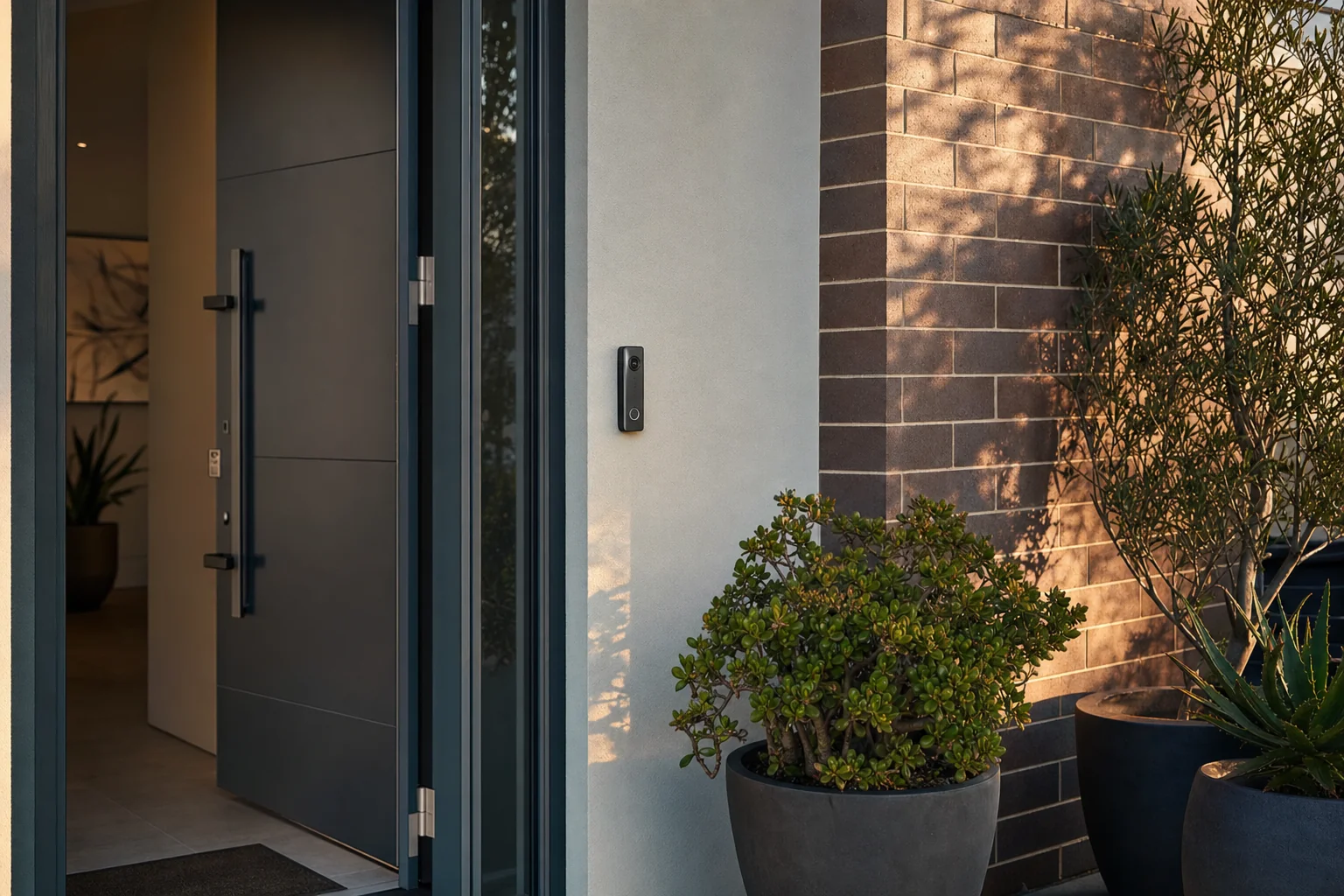 Video Doorbells and IntercomsSee and talk to whoever is at your door or front gate, from inside the house or your phone.
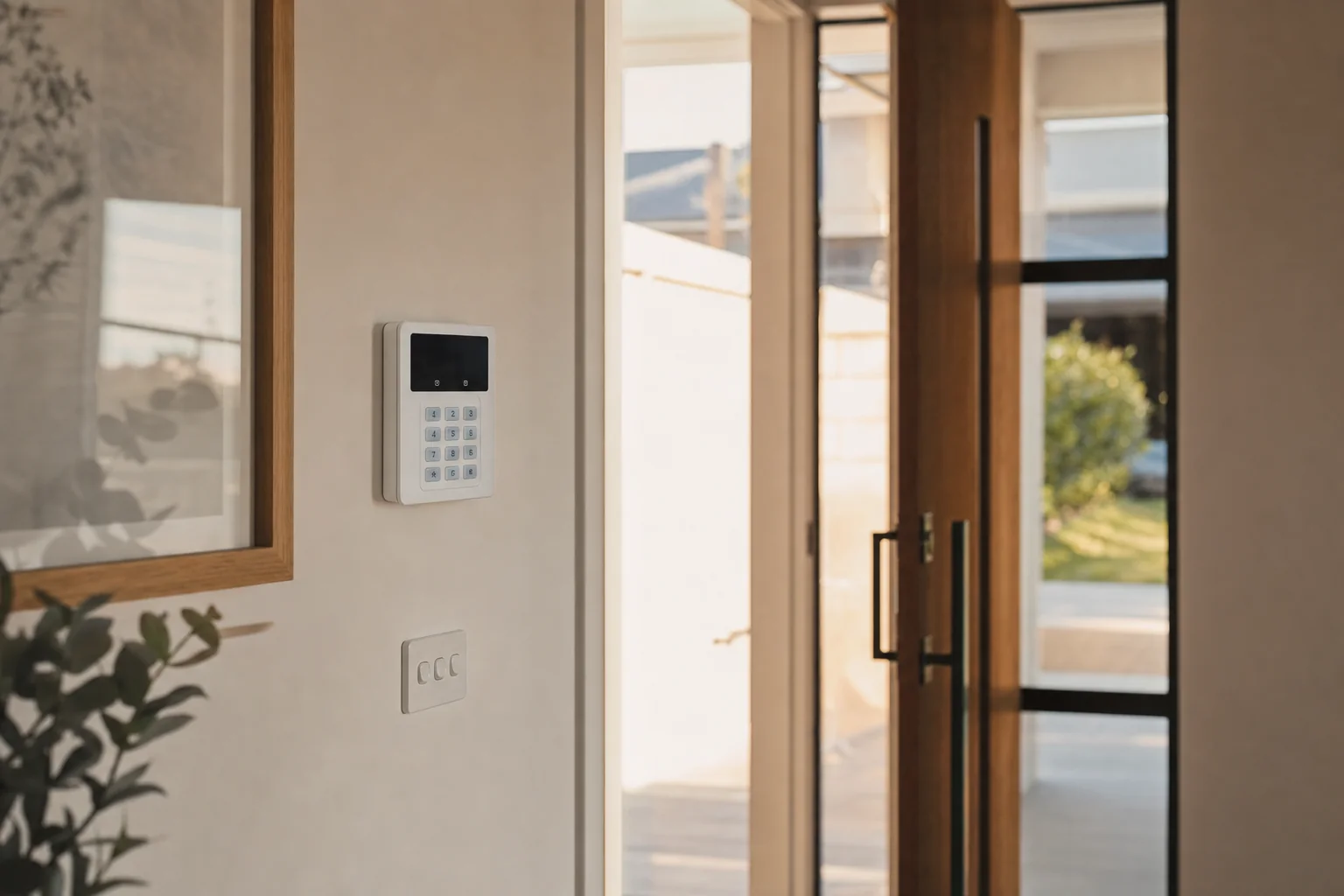 Alarm SystemsA house alarm fitted on its own or wired in with your cameras, so an alert comes with a picture.
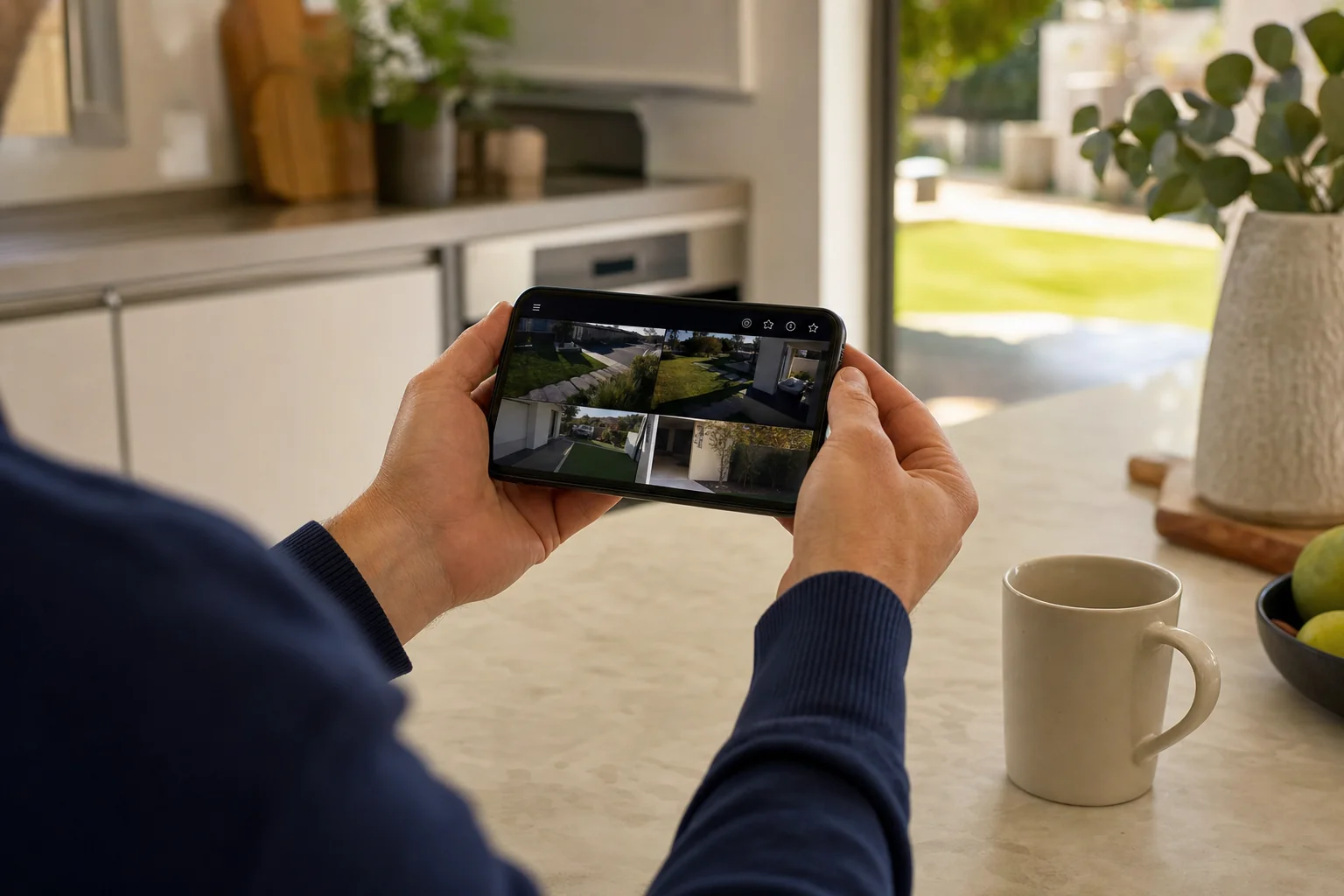 Remote Viewing and Phone App SetupYour cameras on your phone, with alerts that are worth reading and footage you can find quickly.